
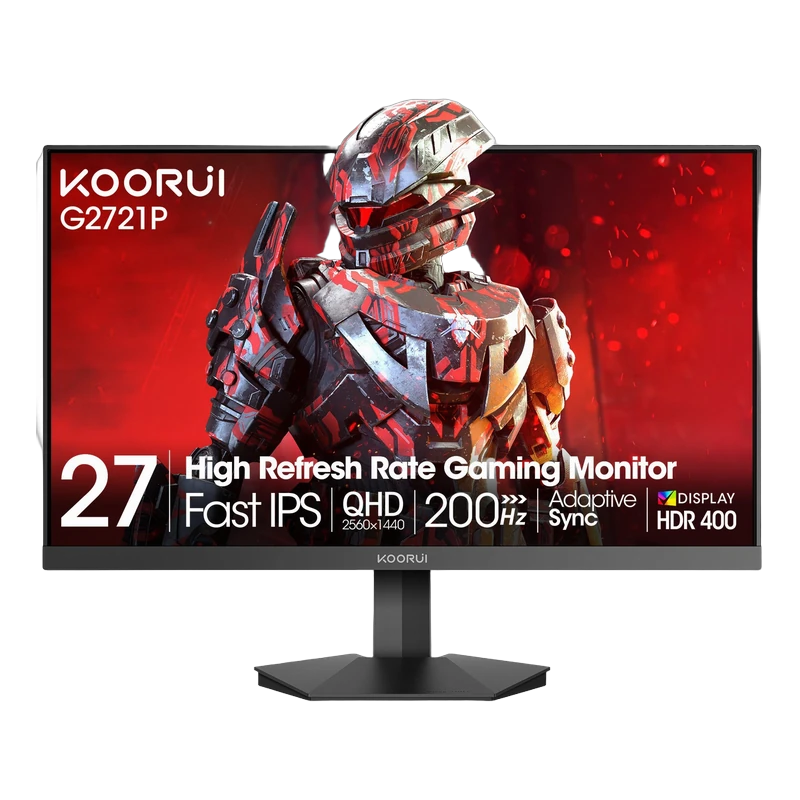
Resolution and size work together
Full HD is 1920 × 1080, QHD is 2560 × 1440 and 4K UHD is 3840 × 2160. More pixels can show finer detail. How sharp the result looks also depends on screen size, viewing distance and the content you display.
Full HD: a practical compact gaming choice
A 24-inch Full HD screen has about 92 pixels per inch; a 27-inch Full HD screen has about 82. Full HD places a lower pixel-rendering workload on your graphics card than QHD or 4K at the same settings. The G2511P pairs Full HD with a 200Hz refresh rate. The frame rate you reach still depends on the game and your computer.
QHD: more detail and workspace
At 27 inches, QHD provides about 109 pixels per inch and approximately 78% more pixels than Full HD. It is a useful balance for gaming, documents and side-by-side windows. Compare the G2721P and G2722P, then choose the stand and features that suit your setup.
4K: finer detail, with scaling to suit you
4K has four times the pixels of Full HD. At 27 inches it provides about 163 pixels per inch. Text scaling makes interface elements comfortable while retaining fine detail; choose a setting that suits your eyesight and applications. Explore the N07 for a 4K workspace or the G2741L for a high-refresh gaming option. Native 4K gaming generally demands more graphics performance than lower resolutions.
Ultrawide resolutions
3440 × 1440 adds horizontal space to the familiar 1440-line format. A 49-inch 5120 × 1440 screen has the same pixel count as two QHD screens side by side. Check support for wide aspect ratios in your applications and games; content can appear with side bars when it uses a narrower format.
Check the connection as well as the panel
Your computer output, monitor input, cable and selected display mode all matter. A monitor’s highest refresh rate may apply only to a particular resolution or input. Compare the documented modes on the product page. Use the shop for current prices and availability, then compare your shortlist.