
Straight answers before you buy.
Practical guides to choosing your screen size, comparing display technology, setting up your monitor and getting local support.
-
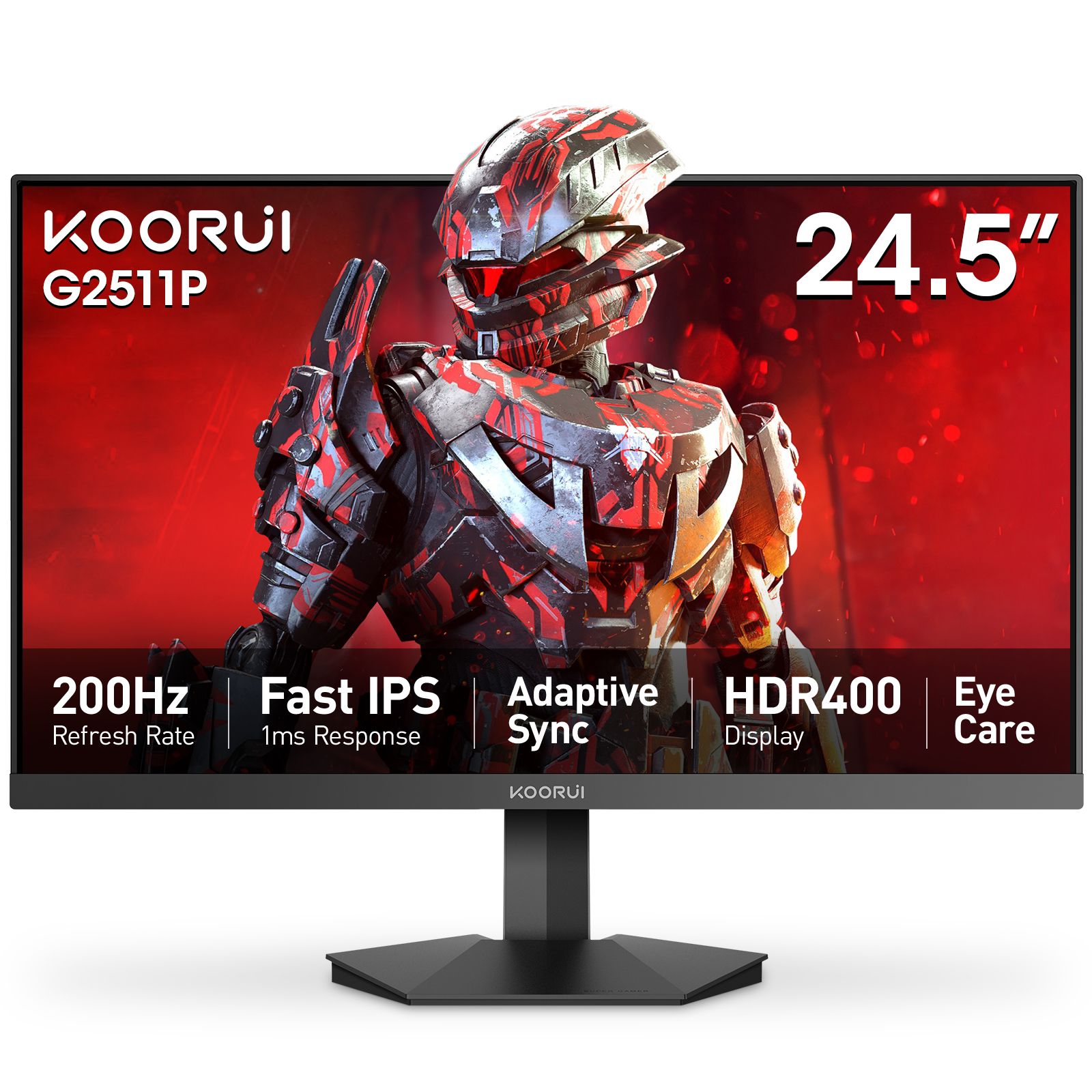
24, 25 or 27 inches: choosing a monitor for your desk
Choose screen size by desk space, viewing distance and resolution, with practical Koorui examples.
-
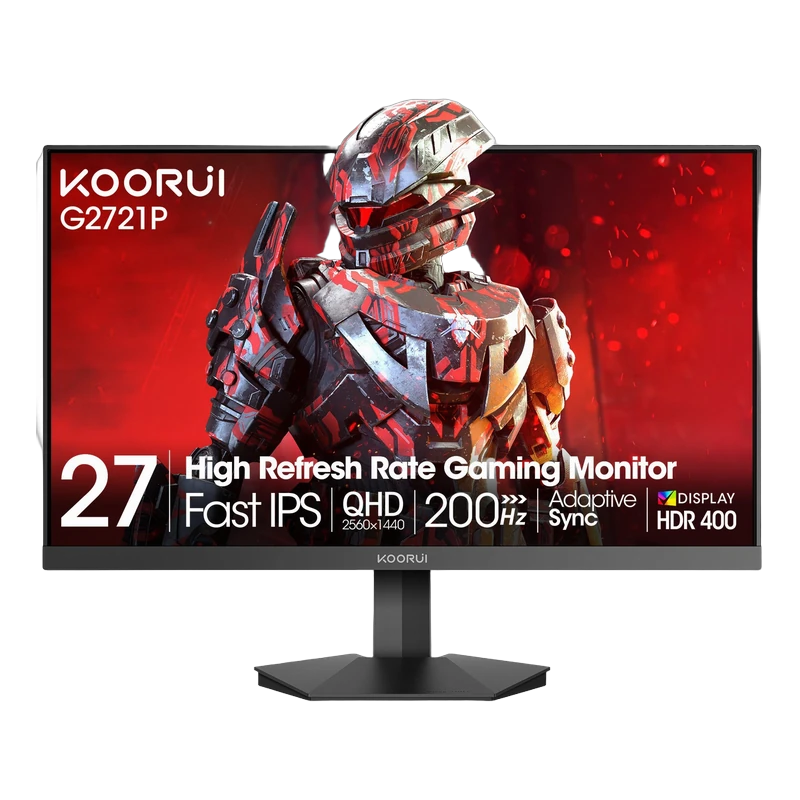
1080p, 1440p or 4K: choosing your monitor resolution
Understand pixel density, workspace and gaming workload before choosing Full HD, QHD or 4K.
-
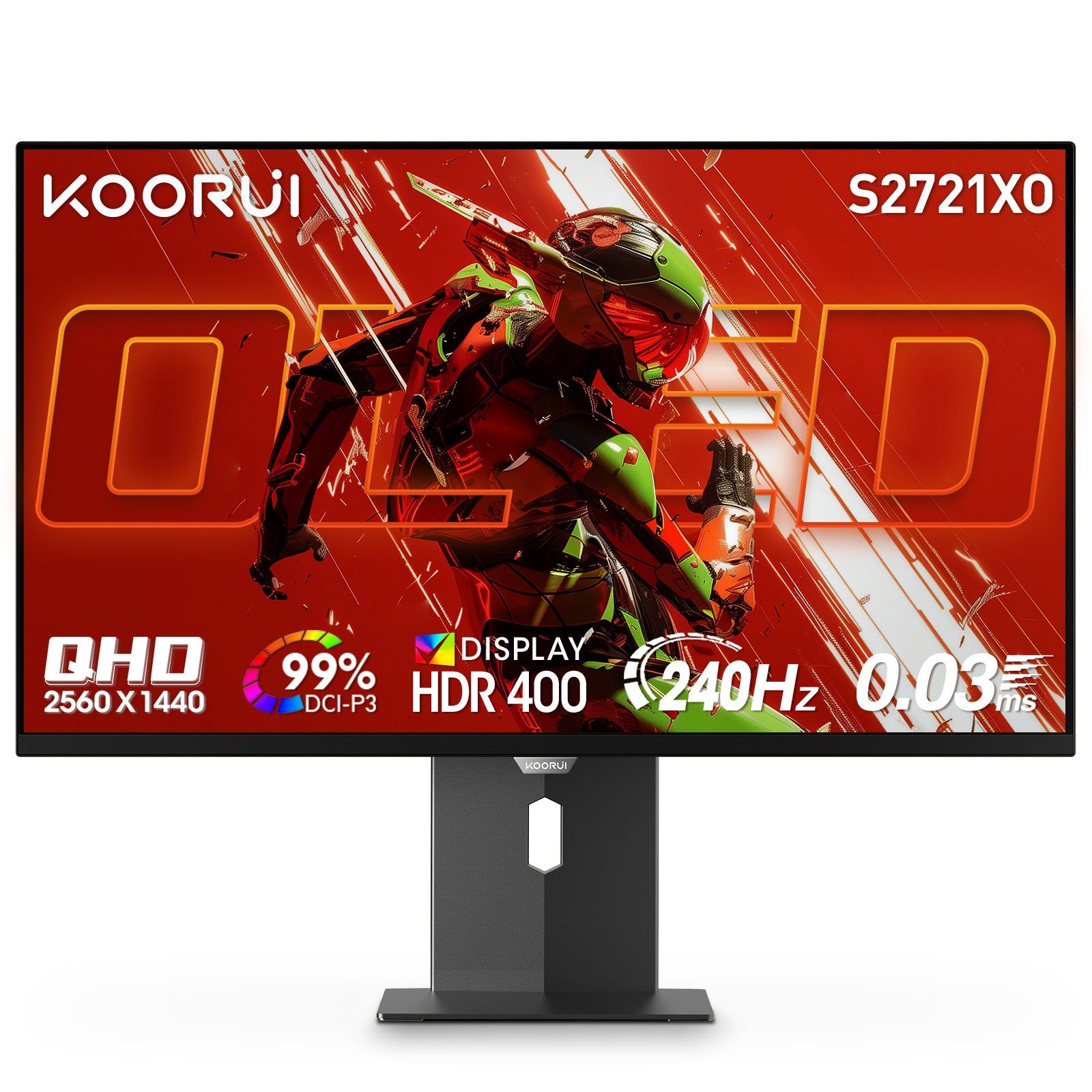
IPS vs VA vs OLED vs Mini LED: panel types explained
Compare panel technologies by contrast, motion, viewing angles and HDR, then choose the features that fit your desk.
-
Set up your Koorui monitor: resolution, refresh rate and picture
Connect your monitor, choose the right Windows display settings and tune the picture for your desk.
-
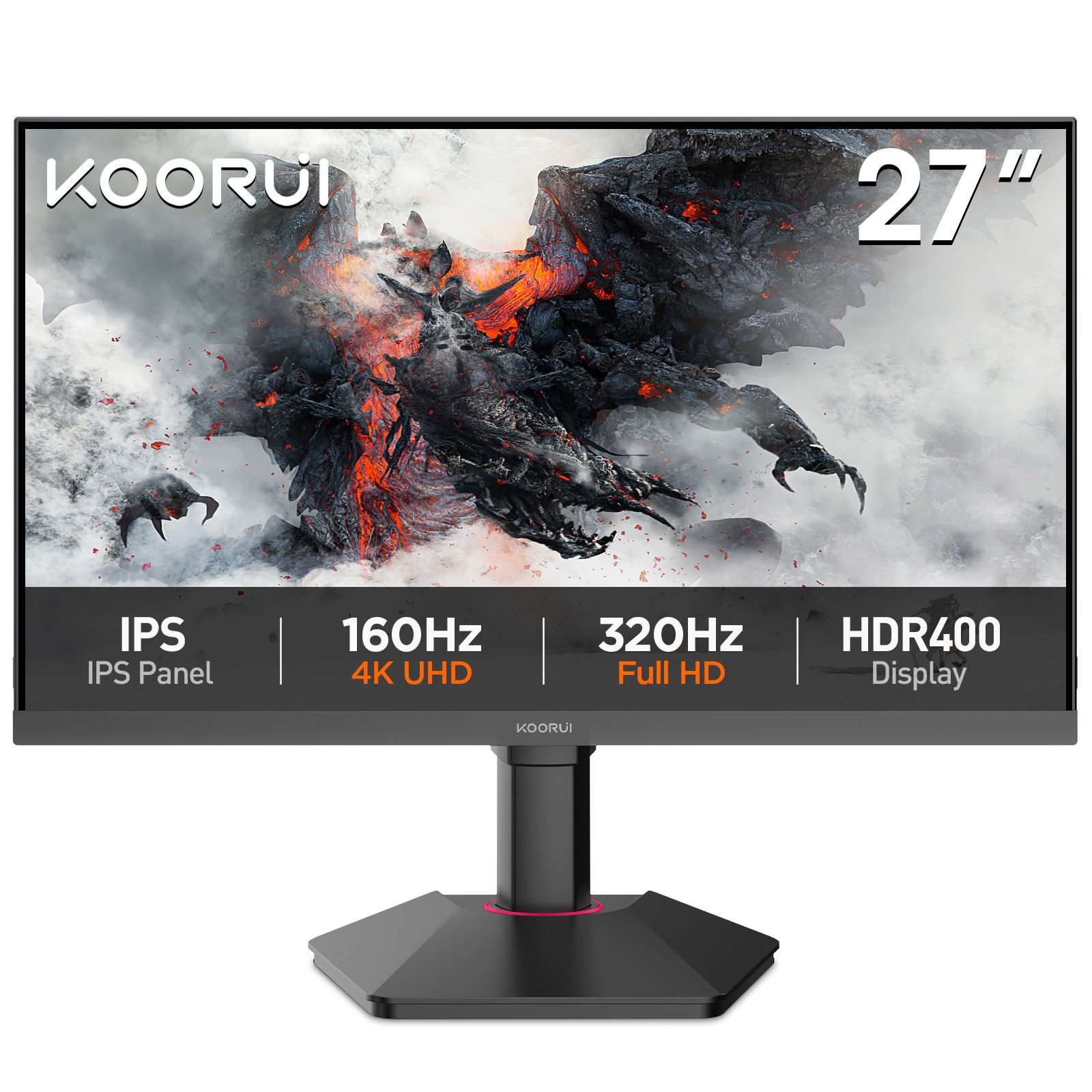
Choosing a Koorui monitor for PS5 and Xbox Series X|S
Choose a console monitor by screen size, resolution, HDMI connection and picture quality, with practical setup steps for PS5 and Xbox.
-
Koorui model names: a practical guide
Recognise useful patterns in Koorui names, compare similar models and find the exact specifications.
-
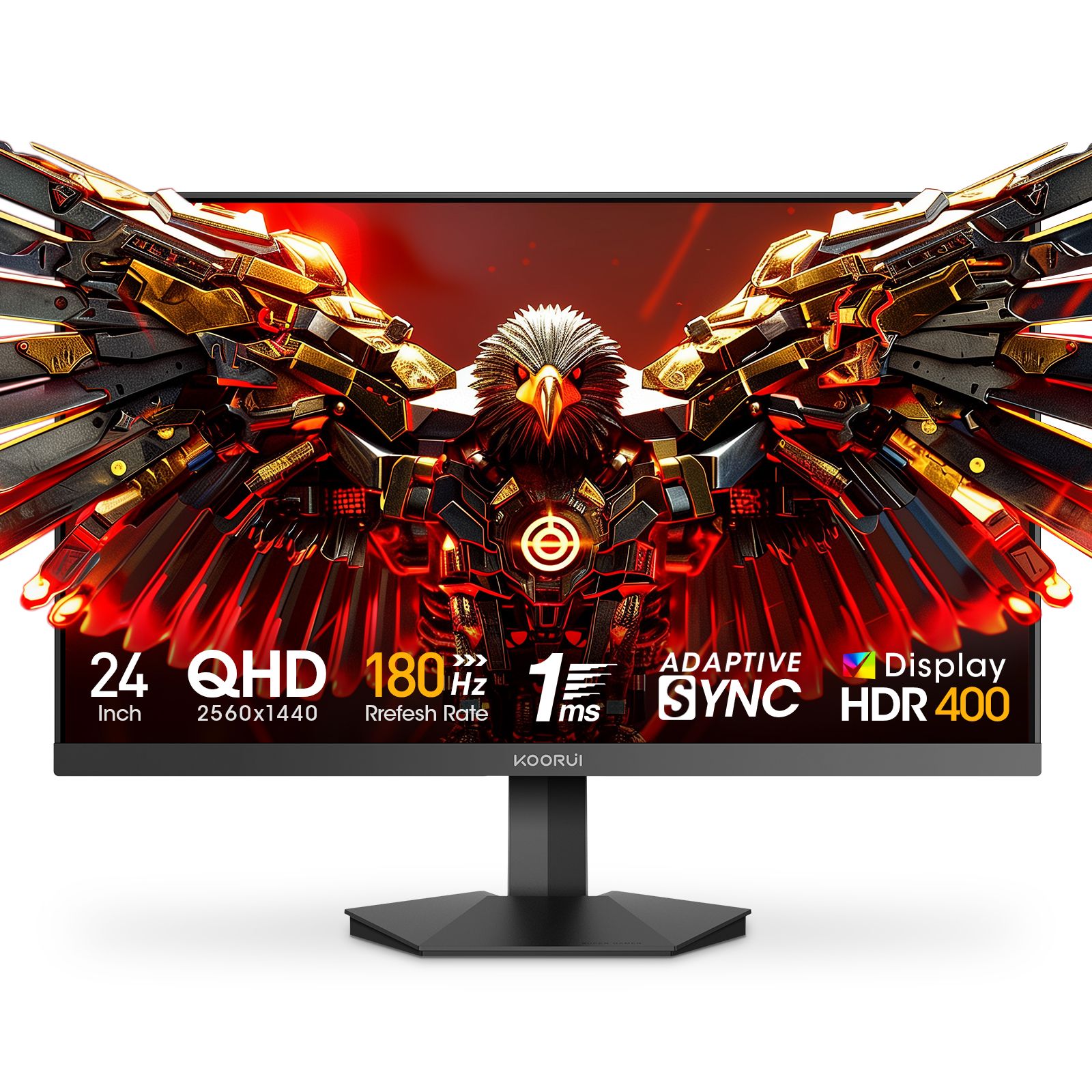
Koorui warranty in Pakistan: what the 36 months cover and how to claim
The 36-month Koorui Pakistan warranty in plain words: what it covers, support during the first 7 days, the pixel policy, how to check your…