
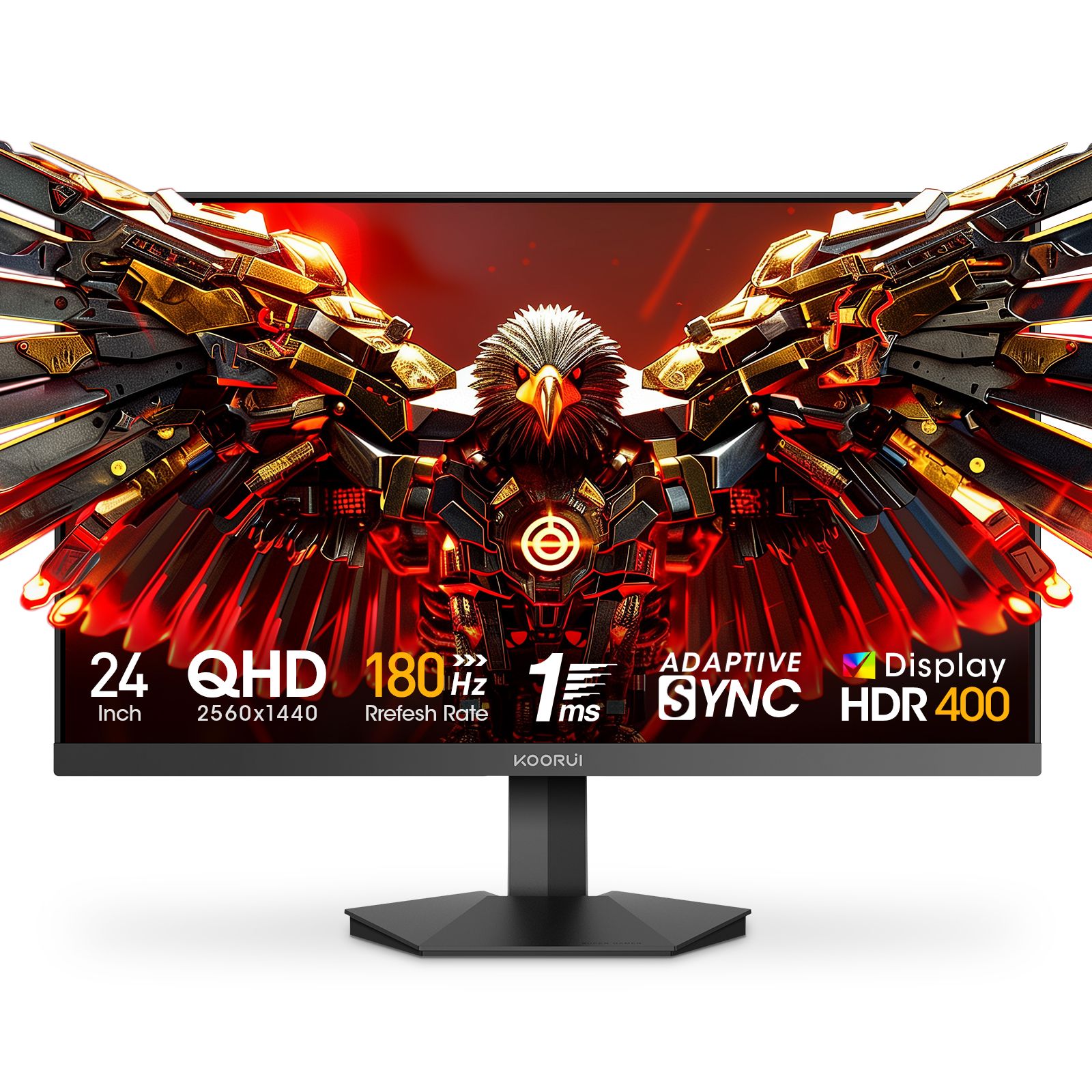
Every Koorui monitor sold by Koorui Pakistan carries a 36-month warranty serviced in Pakistan. This guide puts the warranty terms into plain words: what is covered, the first week, the pixel policy, your serial number, and how to request support. Where this guide and the terms differ, the terms apply.
What the 36 months cover
The warranty runs for 36 months from the invoice date, not from the day you first switch the monitor on. It applies to every Koorui-branded monitor bought from Koorui Pakistan and includes the in-box stand, power adapter and cables. You can see the exact window for your unit on the warranty check page.
Within that period the warranty covers:
- Functional failures: no power, no signal or an unstable signal, faulty ports, random shutdowns, abnormal noise, and button or on-screen menu (OSD) failure.
- Panel defects that fall within the pixel policy explained below.
- Manufacturing defects in the power adapter and the cables that came in the box.
Support during the first 7 days
If a quality defect is confirmed within 7 calendar days of delivery, the unit qualifies for replacement rather than repair, subject to stock. To make this window count:
- Record a clear unboxing video and keep it with your purchase receipt. Test the monitor on the day it arrives: connect it, try every port you plan to use, and look at a plain white screen and a plain black screen for pixel faults.
- Keep the box, the foam inserts and all the packaging for at least those 7 days. The original packaging is needed for safe transport back to us.
- Report anything unusual straight away, with photos or a short video, so the date is on record inside the window.
See also our delivery and returns page.
The pixel policy in plain words
Koorui ships A++ and A+ grade panels. Faults are judged under normal viewing conditions: about 50 cm from the screen, in standard room lighting.
- Bright (lit) pixels: none are allowed. One or more confirmed bright pixels qualifies for a panel or monitor replacement within the warranty.
- Dark pixels: up to 3 are acceptable if they are at least 10 mm apart and not clustered. More than that qualifies for replacement.
- Clusters: two or more defective pixels within 10 mm count as a cluster and are treated as exceeding the limit.
- Lines or scratches under the glass: not allowed. If confirmed, the unit is replaced.
- Uniformity and light bleed: slight bleed at the edges is inherent to LCD technology. If unevenness is clearly visible in normal use (typical content at standard brightness in a lit room), the unit is evaluated for repair or replacement. Test patterns in a dark room at extreme brightness settings are not the standard.
Finding and checking your serial number
The serial number is printed on the label on the back of the monitor and repeated on the box. Type it into the warranty check page to see the model, warranty window and service history. Two tips: the letter O and the digit 0 look alike on the label, so check for typos first; and serials are registered when units are invoiced, so a recent purchase may need its invoice details matched to the serial. If it still does not show, send a clear photo of the label on WhatsApp and we will look it up by hand.
Never remove or alter the label: a serial number or label that has been altered or removed is not covered.
How to make a claim, step by step
- Gather the details: the model name, the serial number and your invoice.
- Document the fault: photos or a short video that show the problem, plus one sentence on how the monitor was being used.
- Contact us on WhatsApp at +92 300 1566784 or by email at [email protected].
- Run the simple checks we suggest. We may first walk you through swapping the cable, selecting the right input source or doing a factory reset. These checks help identify the next step.
- If the fault is confirmed, we issue an RMA with instructions for sending the unit in. We will confirm the available transport arrangements with you.
What happens next
Our support team reviews your details and explains the next step. If inspection is needed, we provide return instructions. After inspection, we confirm the service outcome and estimated timing based on the work and parts required.
What voids the warranty
It does not cover:
- Accidental or physical damage: cracked screens, liquid ingress, burns, corrosion, insect damage.
- Improper use or environment: over-voltage, non-standard cables, unstable power, extreme temperature or humidity.
- Unauthorized disassembly, modification or firmware flashing.
- A serial number or label that has been altered or removed.
- Cosmetic wear that does not affect function, such as minor scratches or small paint loss on the frame or base.
- Image retention caused by long periods of static content at high brightness without the panel’s protective settings. This matters most on OLED models such as the Koorui S2721XO, so leave the panel protection features switched on.
Packaging and transport
A cracked screen is physical damage, which the warranty does not cover, so pack carefully. Wait for the RMA before sending anything. Use the original box and foam inserts if you have them; if not, say so when you contact us, before you ship. Pack the unit so nothing presses on the screen, and include the power adapter and the cable you were using if the fault involves them. Keep a photo of the packed box and the courier receipt.
Who to contact
For warranty and service, email [email protected] or message us on WhatsApp at +92 300 1566784. For orders and stock questions, email [email protected]. Local consumer law takes precedence over anything in the warranty policy, and Koorui Pakistan processes only the information needed to provide service.