
Choosing a panel for your desk
Resolution and refresh rate tell only part of the story. Panel technology also affects contrast, viewing angles and motion. IPS and VA are LCD panel types; Mini LED describes an LCD backlight. OLED pixels produce their own light. Start with the games, work and room you will use the monitor for.
IPS and Fast IPS
IPS offers wide viewing angles and is a versatile choice for work and gaming. Fast IPS models combine this with high refresh rates. Contrast, colour accuracy and response times depend on the individual monitor and its settings: a panel label alone does not describe all three. Compare the G2511P and G2721P for gaming, or the N07 for a 4K workspace.
VA
VA typically offers higher native contrast than conventional IPS, which gives dark scenes more depth. Viewing angles and dark-transition response vary by model. Choose the screen size and shape that fit your desk: the E2712K is flat, while the 32E6QC offers a larger curved display.
OLED and QD-OLED
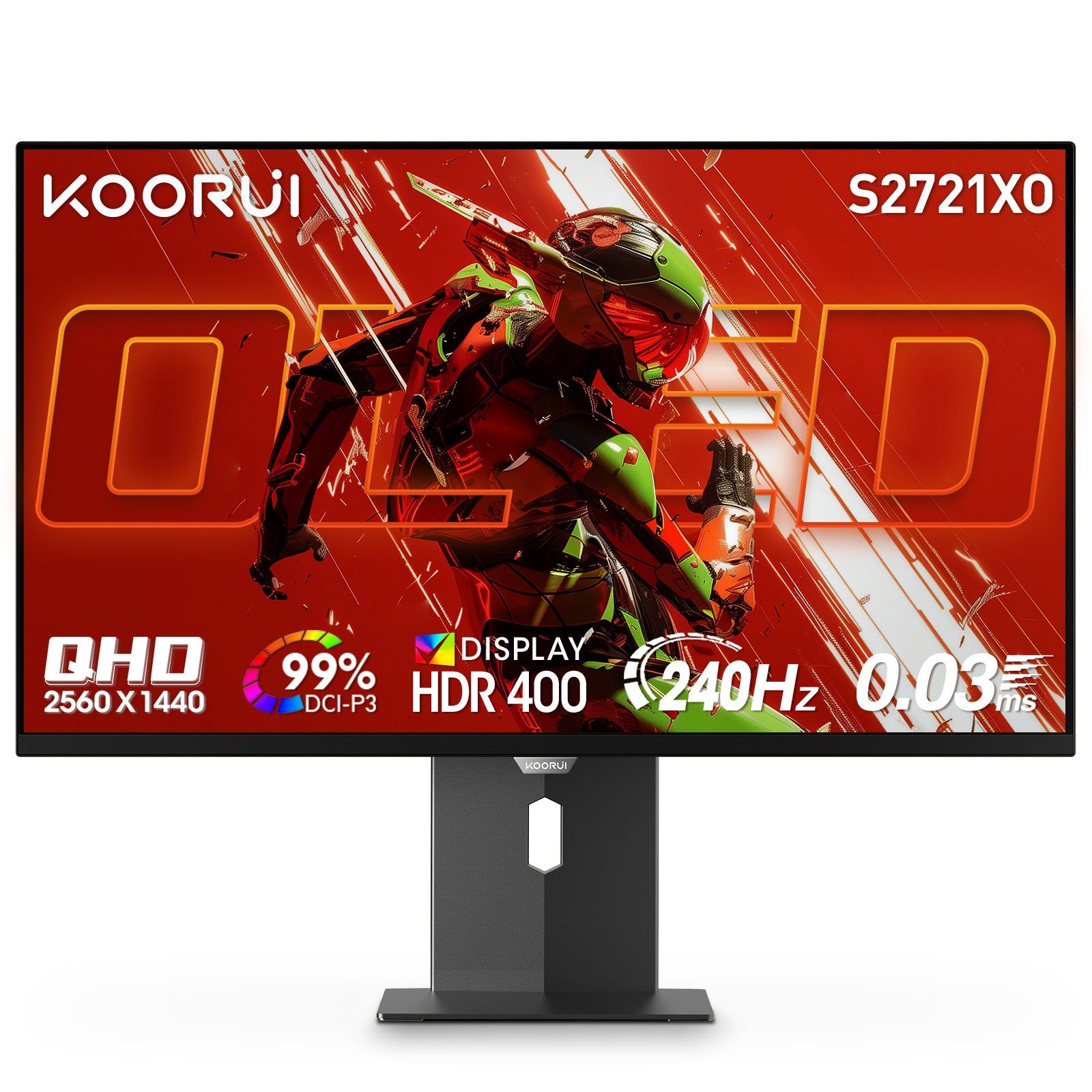
OLED controls light at each pixel, producing deep blacks and very fast pixel transitions. It suits games and films where contrast and motion clarity matter. QD-OLED combines OLED with quantum dots for colour reproduction. Explore the S2721XO and S3241XO. Keep the monitor’s panel-care features enabled, let the display sleep when idle and follow its care instructions. Image-retention coverage is explained in the warranty terms.
Mini LED
Mini LED uses many small LEDs in an LCD backlight, grouped into independently controlled dimming zones. This allows bright highlights and darker surrounding areas in the same scene. Mini LED can be paired with IPS or VA; it is not a separate LCD panel type. Zone count, dimming control and brightness all contribute to the result. Explore the S2721PM and S2741LM.
Understanding HDR
HDR10 describes a signal format. HDR picture quality also depends on brightness, contrast, colour and local dimming or pixel-level light control. A VESA DisplayHDR certification describes tested performance; a generic HDR label is not the same certification. Compare each model’s listed features instead of treating every HDR-capable monitor as equivalent.
Make a shortlist
For an all-round gaming and work setup, start with IPS. For native LCD contrast, consider VA. For pixel-level contrast and fast transitions, explore OLED. For an LCD with local dimming, explore Mini LED. Then compare resolution, refresh rate, ports and stand adjustment on the comparison page. Product pages show current prices and availability.