
Start with your desk
Measure the space available and where your eyes will sit relative to the screen. You should be able to read comfortably without leaning forward or repeatedly turning your head. Screen-size labels measure the diagonal; the stand footprint and total product width determine whether a monitor fits your desk.
24-inch and 25-inch monitors
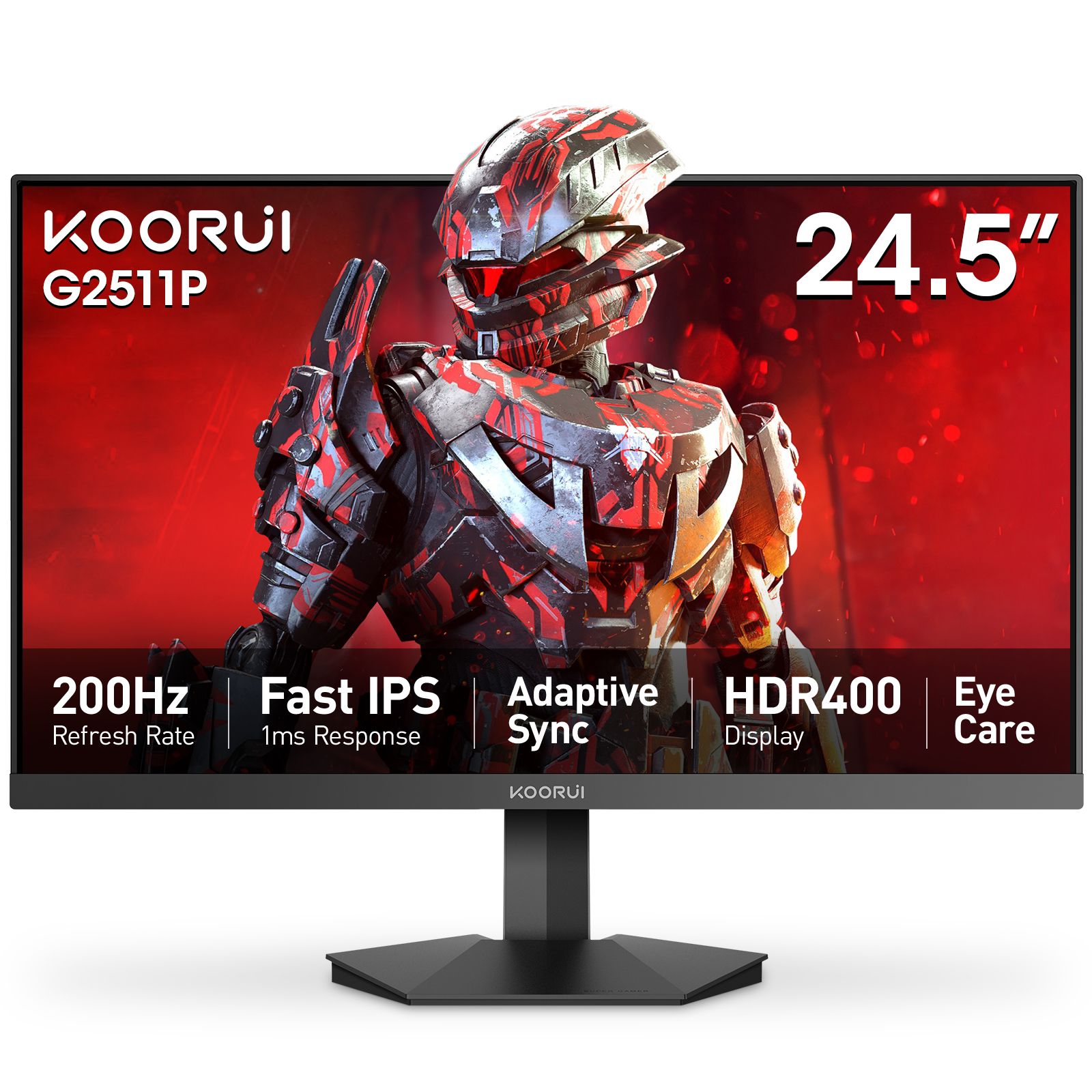
These compact sizes suit smaller desks and players who prefer to keep the picture within a small viewing area. The G2411P is 23.8 inches; the G2511P is 24.5 inches. Both are Full HD 200Hz models. Compare their dimensions and stand features as well as the headline size.
27 inches: choose the resolution too
A larger display spreads the same number of pixels over more space. At 27 inches, Full HD has about 82 pixels per inch, QHD about 109 and 4K about 163. QHD is a useful balance of workspace, detail and gaming workload: explore the G2721P. For a 4K workspace, explore the N07. Adjust text scaling to your eyesight and viewing distance; there is no single required percentage.
32-inch and ultrawide screens
A larger screen benefits from more viewing distance and room for its stand. A 34-inch ultrawide such as the G3441XC adds horizontal workspace. Check whether your games and applications use that wider format, and allow space around the monitor for comfortable placement.
Make the final comparison
First choose a comfortable size, then match resolution and refresh rate to your computer and use. Check stand adjustment, mounting requirements and inputs before ordering. The shop filters and comparison page help narrow your shortlist. Current prices and availability appear on each product page.