
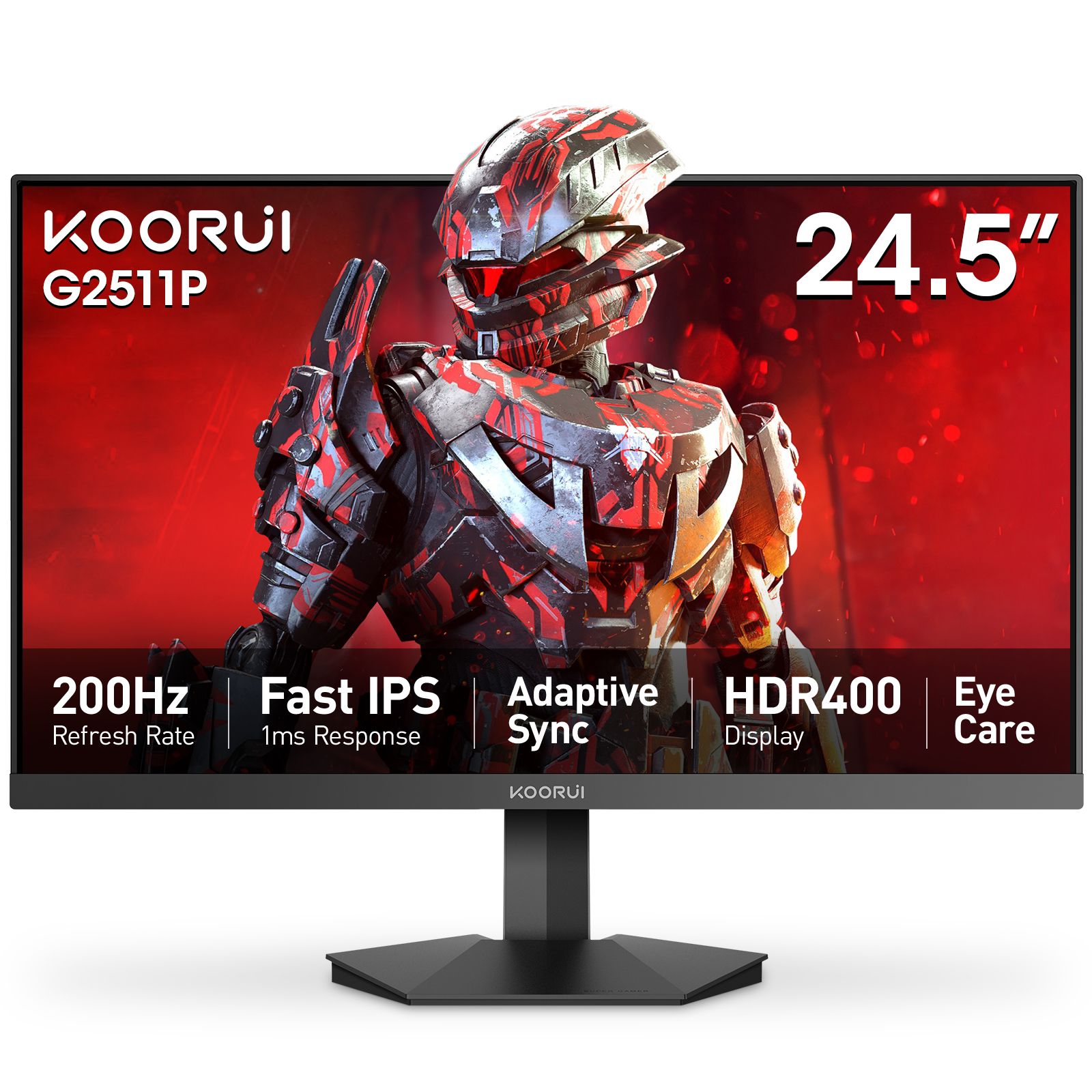
Start with the full model name
The full model name is the best starting point when comparing monitors, finding a manual or asking about an order. Several current Koorui names share useful patterns, but a model name is not a complete specification. Use the product page for the exact panel, inputs, stand adjustment and supported display modes.
Size numbers are a useful clue
In names such as G2511P and G2721P, 25 and 27 point to the screen-size class. The G2511P has a 24.5-inch panel; the G2721P has a 27-inch panel. A 24-inch or 32-inch label can describe a 23.8-inch or 31.5-inch panel. Compare the actual diagonal and product dimensions when planning your desk.
Similar names can describe different displays
The G2511P and G2721P both offer 200Hz refresh rates, but the former is Full HD and the latter is QHD. The G2722P is another 27-inch QHD 200Hz model with a different stand configuration. Match the entire code, including its final letters and digits.
Suffixes help you recognise a family
Within this range, the S2721PM is a Mini LED model and the S2721XO is an OLED model. These examples help you recognise related products. Select by the listed specifications rather than applying a letter-to-feature decoder to every Koorui model.
Ultrawide and older names have their own patterns
The G3441XC is 3440 × 1440, while the S4941XO is 5120 × 1440. A digit 4 in a model code therefore does not always mean 3840 × 2160. Names such as 24E3, GN06 and N07 also need their own product specifications.
Use the name to find the right information
Search the full model code on this site, then use Compare to check screen size, resolution, refresh rate, connections and stand adjustment side by side. Product pages contain current prices and availability, plus verified manuals where available. For support, include the model and serial number printed on your unit.