
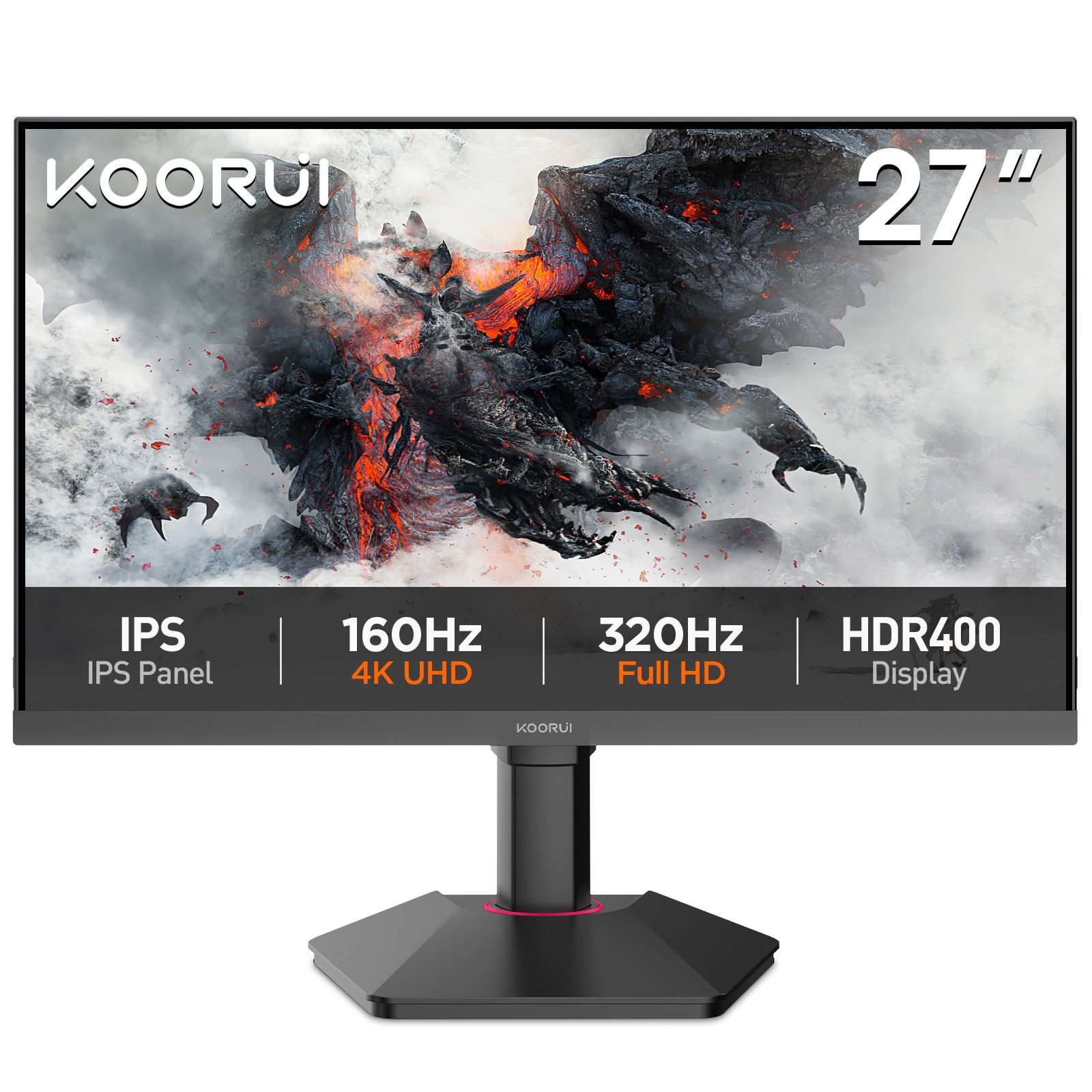
Start with screen size and resolution
For a console on a desk, a compact Full HD screen keeps the whole picture close, while a 27-inch QHD display adds workspace and detail. A 4K display suits a sharper large-screen setup. PS5 and Xbox Series X support output up to 4K at 120Hz with compatible displays and supported content. Xbox Series S targets 1440p gaming, supports up to 120 fps in supported games and offers 4K streaming. A game’s rendering resolution is separate from the display’s output resolution.
Refresh rate and the HDMI connection
A 200Hz or 320Hz monitor can also serve a fast gaming PC, but consoles use modes up to 120Hz. For console play, the important number is the supported HDMI mode at your chosen resolution, rather than the panel’s highest DisplayPort refresh rate. Use a compatible high-bandwidth HDMI input and an Ultra High Speed HDMI cable for 4K at 120Hz.
Choose a shortlist
For a compact Full HD setup, explore the 24E3 and G2511P. For a 27-inch QHD desk setup, explore the G2721P. For 4K gaming displays, compare the G2741L, S2741LM and S3241XO. Product pages show the current price, availability, connections and full specifications.
Picture quality: IPS, Mini LED or OLED
IPS is a versatile starting point for gaming and everyday use. Mini LED adds local dimming to an LCD, while OLED controls light at each pixel. These features affect contrast and HDR presentation as well as price. Read the panel guide to compare them. A 16:9 monitor matches the standard console picture; an ultrawide screen is especially useful when you also use a PC.
Variable refresh rate
VRR allows a compatible display to follow changes in game frame rate. It requires support from the console, the monitor’s HDMI input and the selected mode. An HDMI version number or a general adaptive-sync label alone does not establish every console mode. The console’s display settings show the modes available through the connected monitor and cable.
Set up your console
On PS5, open Settings → Screen and Video → Video Output. Select the output resolution and enable 120Hz output for supported games. Many games also have a Performance or 120Hz setting. On Xbox, open Settings → General → TV & display options to select resolution and refresh rate. Enable VRR and HDR where the connected setup supports them, then use the console’s HDR calibration tool.
Choose around your whole setup
For a shared console and PC desk, consider the PC’s resolution and frame rate as well. For films and single-player games, picture quality and screen size may matter more than the highest refresh rate. Compare your shortlist on the comparison page, or message us on WhatsApp with your console, desk size and budget.